WORK
INTERACTIVE MEDIA
SEM 2
2024

01.COOKING GAME PROTOTYPE
During the first week of SEM2, together with my team I worked on making a
game paper prototype. The idea was to create a cooking game where as a
team, the players have to manage a small restaurant and its orders. Each
player has its own station and is focused on making one specific thing
such as: burgers, drinks, ice-cream,.. The goal is to finish all the
orders correctly in time.
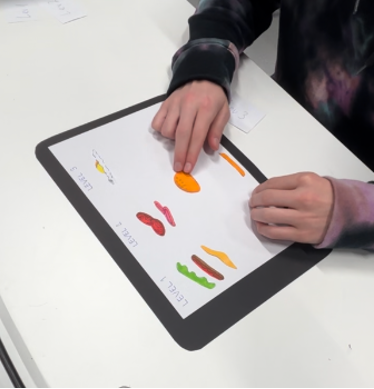
I was making a prototype for the
burger station, while developing the logic of how the player is going to
receive the order and then proceed to make it. My idea was that after the
order is received, the player has to correctly click on the available
ingridients and make a burger acording to the order, and then send it to
the front. This has to be done fast and within a time span. Throughout the
levels, the game becomes harder, with less time and more orders.
02.PHOTOBOOTH INTERVIEW
During another one of the group projects that was based on creating a
media campaign, together with my team, I was working on a photobooth
marketing idea. It would always be placed in a different part of the city
and would offer the customers a chance of taking pictures with the
background of popular city places. To print the picture, the customer
would have to visit the website and click on a link. This way, the
customer has to visit the website and will be aware of its existence. To
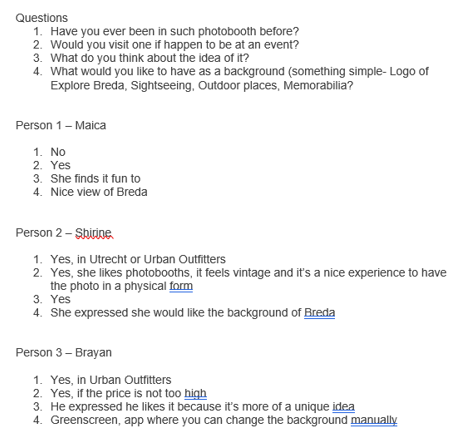
test the idea out, my team and I conducted a user testing in which we
stimulated the photobooth, while I did the interviews to understand the
customer experience and note anything that the user might want to change.
03.EASTER EGGS FIGMA PROTOTYPE
For our last group project, my team and I had to develop Easter Eggs for
ExploreBreda with the goal of generating more traffic to the website and
ensuring the users to revisit the website. After developing 2 ideas for
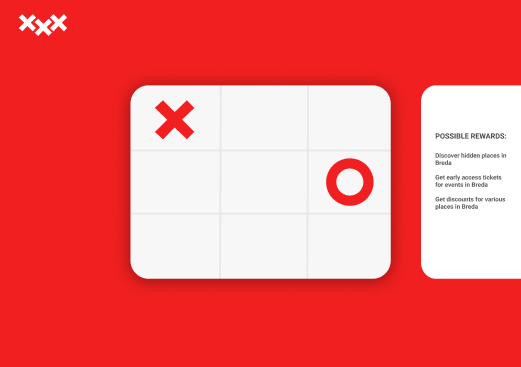
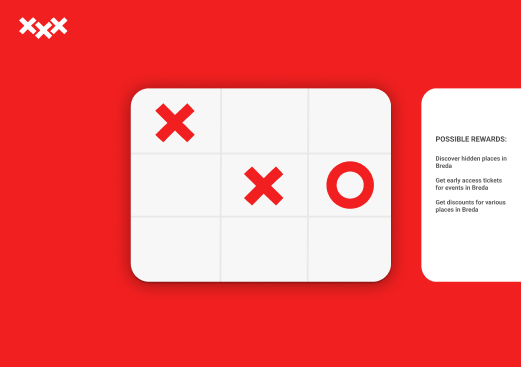
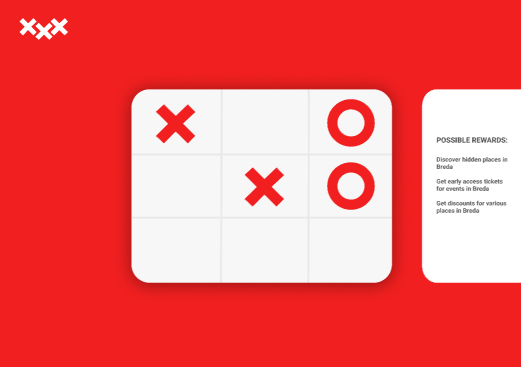
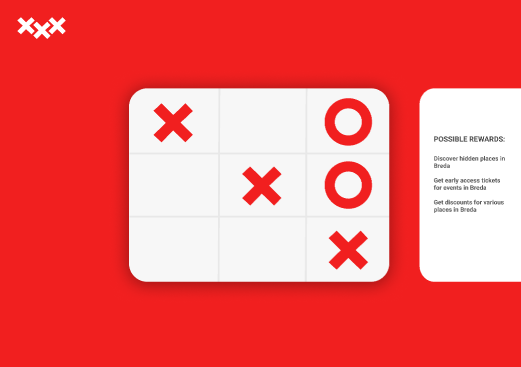
the Easter Eggs, first one being a hidden Tic-Tac Toe game with rewards
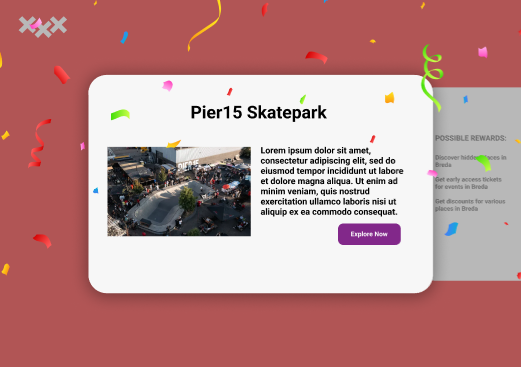
upon winning, and the second one being a hidden button to market
underrated and not so visited places in Breda, I started with making a
clickable prototype in Figma. I decided to go with a simple design, using
Breda’s popular red color in combination with white. Upon clicking on
Breda’s logo on the main page, the user would be redirected to a sub-site
with the hidden mini-game.
You can view the Figma prototype bellow:
Tic-Tac-Toe prototype
04.EASTER EGGS USER TESTING
After designing a prototype, together with my group, we created a survey
to test audience’s knowledge about Easter Eggs. Each one of us came up
with a few questions, which we later combined together. This helped me to
understand whether the user would be interested in finding hidden features
on the website, would it make them revisit, and what would drive them into
finding them more.
Apart from spreading out the survey, we also conducted a in person user
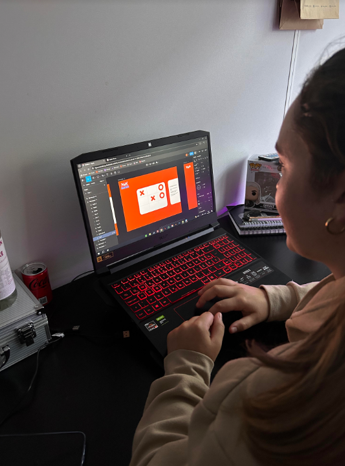
testing to see which “X” from the Breda logo would lead to one of the
Easter Eggs. I tested it out with my roommates, because they all study
different programs and they way of thinking differs from ours. The process
of this user testing was to ask the user to browse through the website and
when asked to go to the main page, pay attention to which “X” are they
going to press.
05.BLENDER KITCHEN MODEL
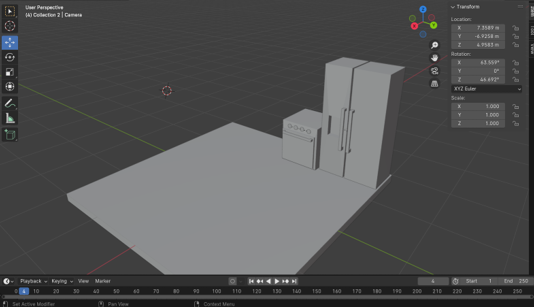
In the second semester, I got the opportunity to try out using Blender for
the first time. The teacher guided the whole class through the basic tools
with a kitchen model example. After 2 classes, I was able to acquire the
fundamental skills to start working on my 3D model. Even though it’s still
in development, with combining different Blender tools, I created a
kitchen model along with some of its appliances.
06.PROJECT X USER TESTING
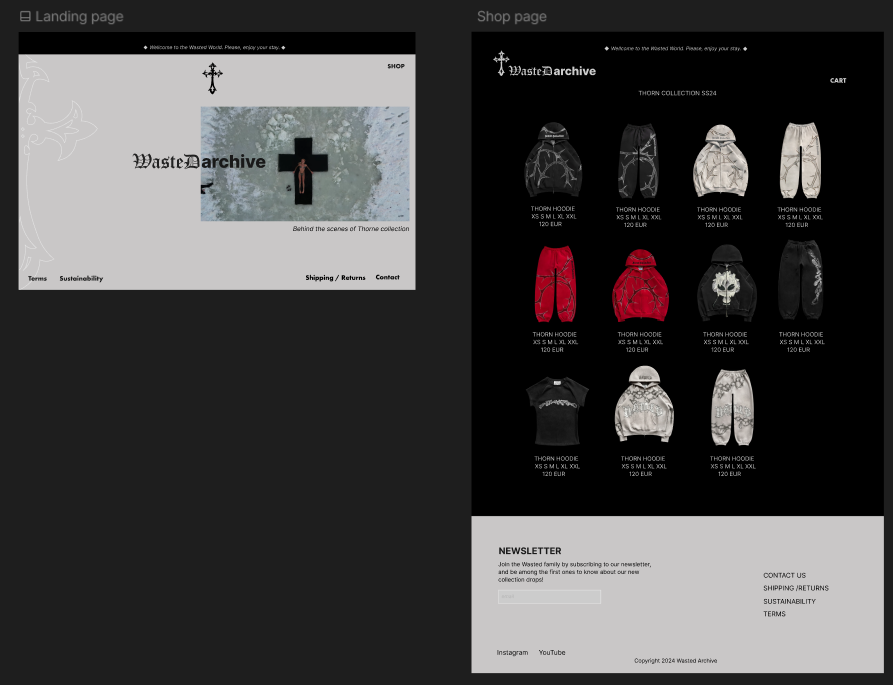
For my personal project, I decided to create my own brand identity for
streetwear clothing. As part of my research, I decided to first conduct a
survey to understand more about consumers preferences, shopping habits,
and what they value most in the fashion industry. Analyzing the gathered
answers, I was able to build the fundamental blocks more efficiently, and
develop better brand values and traits.
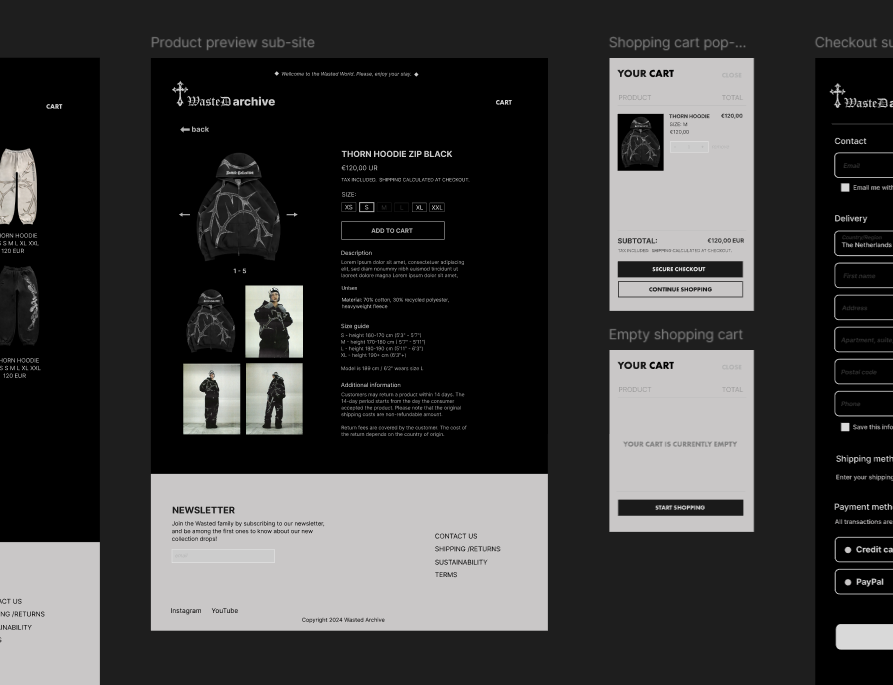
After finishing the website prototype and making it interactive using
Figma, I had to test its usability. I conducted a user testing with
practical tasks and reflection questions to find out whether something
could be improved on the website. I tested it with 4 students, some
studying ICT who have a better understanding of it, and some studying
other programs to analyze it from a different perspective. I was the one
responsible for monitoring and documenting the testing. After finishing,
and reviewing the videos and answers, the results showed that each person
tested really liked the website design and didn’t find it hard to navigate
through it. However, some mentioned they missed the “Back” button on some
of the sub-sites. After finishing the user testing, and reflecting back on
its analysist, it helped me in determining my next steps.
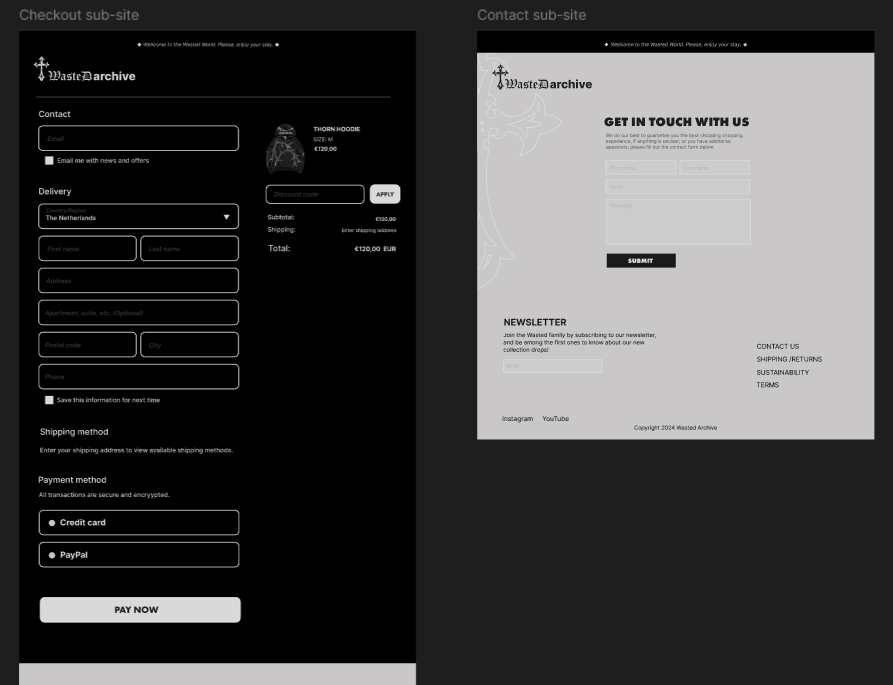
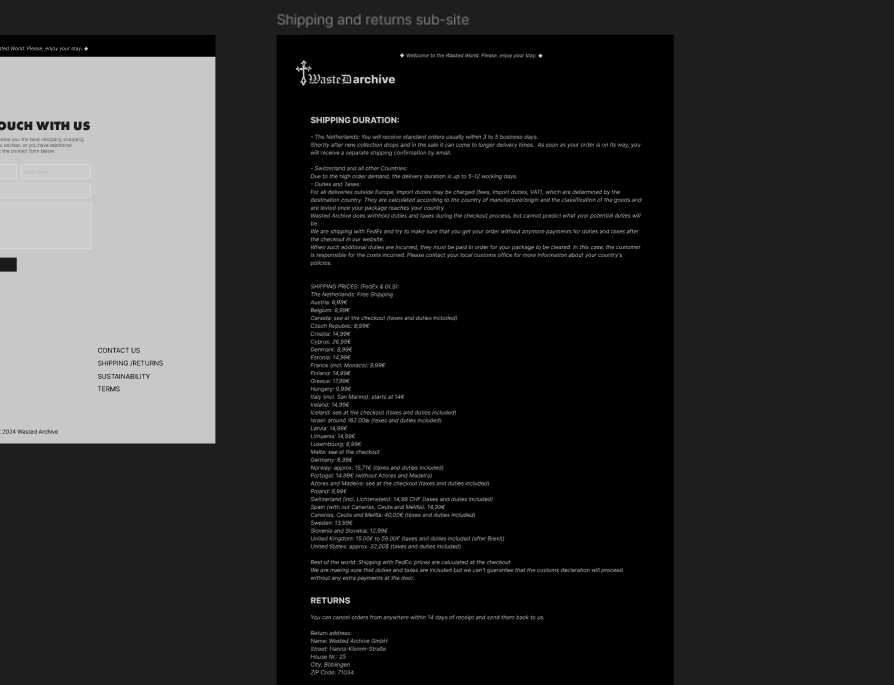
You can check the Usability Test document report, and Figma prototype
bellow:
View the Project X Usability Testing document
Wasted Archive Figma prototype
07.MY REFLECTION
Throughout the second semester, I worked in on different assignments
together with my group. This improved my working in a group skills, along
with my communication skills. I had to communicate in a right way with my
team members to make sure that everyone’s ideas are included in the final
product and to always have it clear on what has to be done, what still has
to be done and which tasks is everyone going to focus on next. I also
participated in conducting user testing, and making interactive prototypes
using Figma. User testing really helped me and my group to understand what
the target audience expects and what would they like to change. It gave me
an insight from a different perspective which was crucial in delivering
the final version of the product so that everyone can use it. As for
Figma, I got the chance to become more familiar with it, since I only
worked with Adobe Illustrator before. Figma proved to be more convenient,
because unlike Illustrator, Figma provides a real, interactive prototype
of how everything will look like on different screens and devices.